Sharing Bills
Share bills with colleagues, stakeholders, or on social media using BillBee's sharing tools.
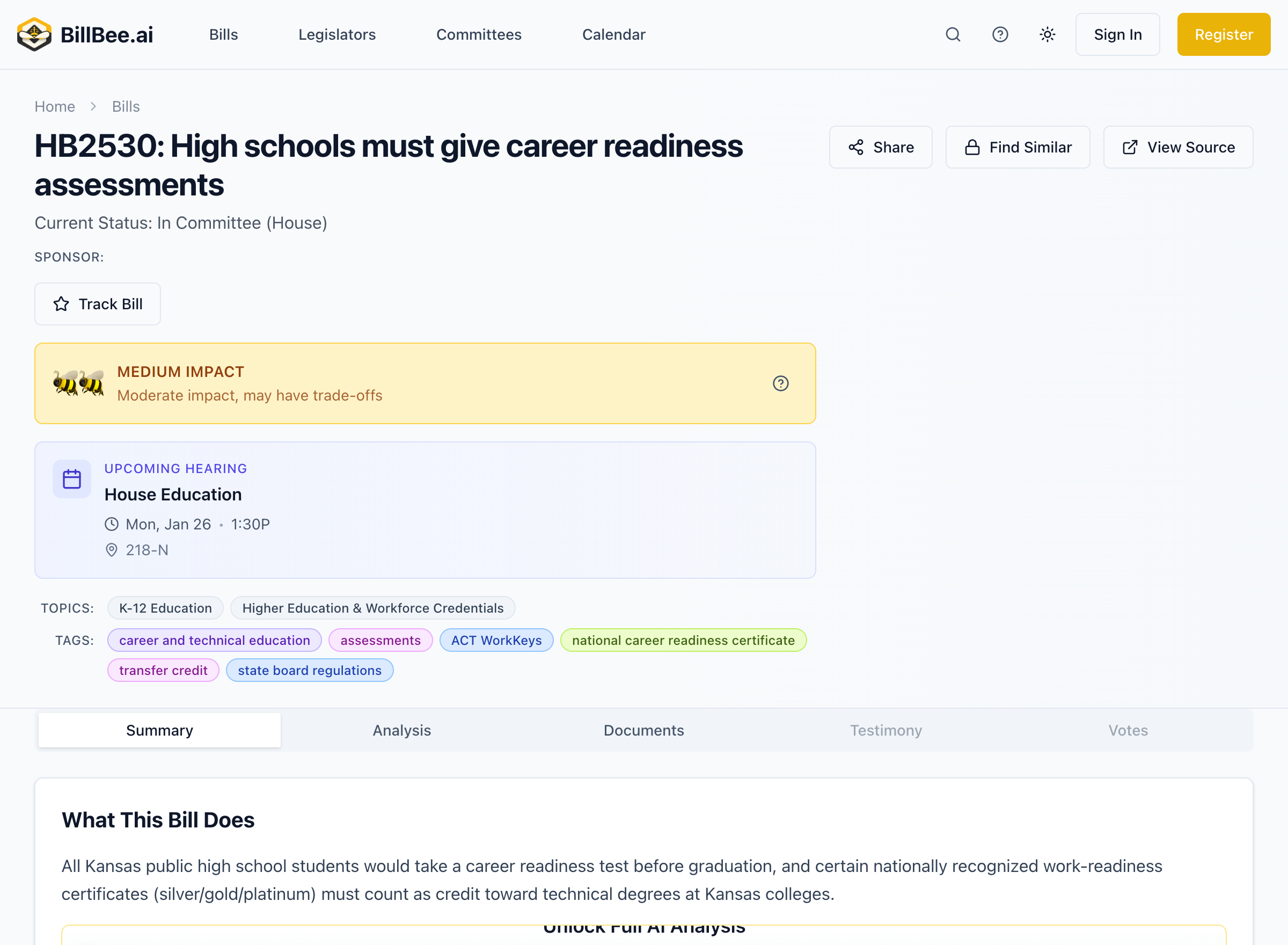
Share Cards
Create attractive visual cards to share bills on social media or in presentations.
Creating a Share Card
- Open any bill detail page
- Click Share > Create Share Card
- Choose your card style
- Download or share directly
Card Styles
BillBee offers several design templates:
Minimal
- Clean, simple design
- Focus on key information
- Best for professional contexts
Bold
- High contrast colors
- Eye-catching design
- Best for social media
Editorial
- News-style layout
- Detailed information
- Best for journalism
Gradient
- Modern gradient backgrounds
- Stylish appearance
- Best for visual platforms
Card Sizes
Choose the right size for your platform:
Story (9:16)
- Instagram Stories
- Facebook Stories
- TikTok
- Vertical mobile viewing
Post (1:1)
- Instagram feed
- Facebook posts
- Twitter/X posts
- General sharing
Card Content
Each share card includes:
- Bill number (e.g., HB 2001)
- Bill title
- Current status
- BeeScore rating (🐝 symbols)
- Brief summary text
- BillBee branding
Social Media Templates
Get pre-formatted text optimized for each platform.
Twitter/X (280 characters)
Copy ready-to-post text with:
- Bill number and title
- Brief description
- Relevant hashtags
- Link to bill page
Example:
Kansas HB 2001 would increase the senior property tax exemption
from $20K to $40K. 🐝🐝🐝 High impact bill in committee.
#ksleg #KansasLegislature

billbee.ai/bills/hb-2001
LinkedIn (700 characters)
Professional-format text including:
- Detailed summary
- Stakeholder implications
- Professional context
- Call to action
Facebook
Longer format with:
- Full summary
- Engagement hooks
- Discussion prompts
- Share-friendly formatting
Bluesky (300 characters)
Optimized for the platform:
- Concise summary
- Relevant hashtags
- Clean formatting
Sharing Options
Copy Link
Get a direct link to any bill:
- Click Share > Copy Link
- Paste anywhere to share
- Recipients can view without logging in
Direct Social Sharing
Share directly to platforms:
- Click Share
- Choose a platform icon
- Post opens in that platform with pre-filled content
- Edit and post
Sharing Best Practices
- Add context - Explain why the bill matters to your audience
- Be timely - Share when there's news or action
- Use appropriate formats - Match content to platform
- Include links - Make it easy to learn more
- Engage - Respond to comments and questions